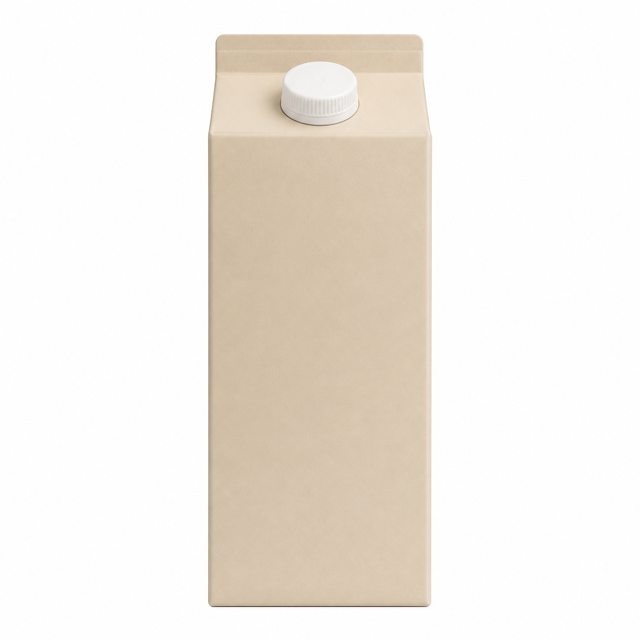
Oat milkKitchen · added by Alex
Due soon
A calmer home inventory
Use In Time keeps shelf life, storage details, and shared household records in one focused iPhone app, so the things you own stay useful.
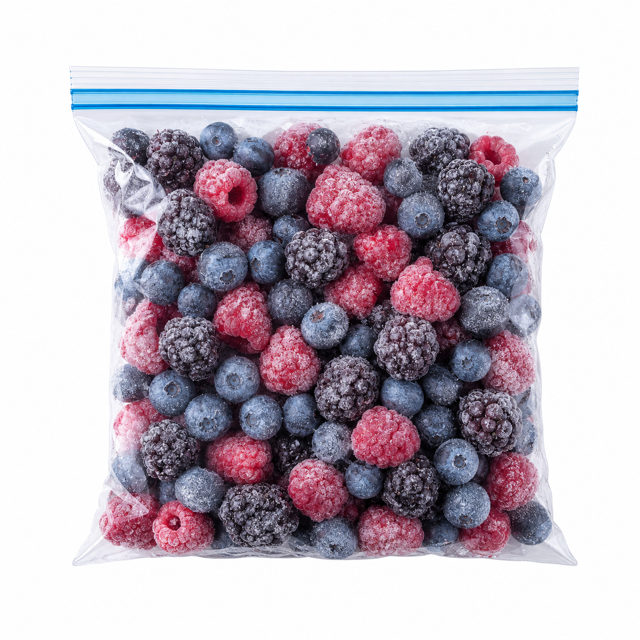
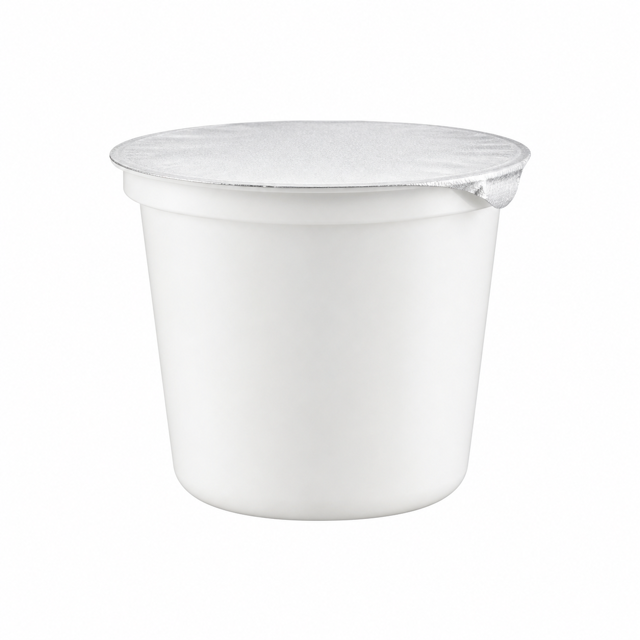

AI cover ready ✦
Oat milkFrozen berriesGreek yogurtBok choy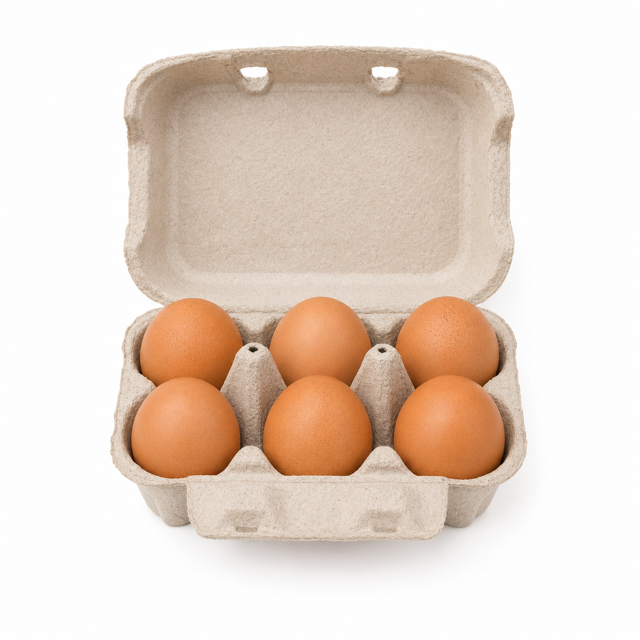 Brown eggs
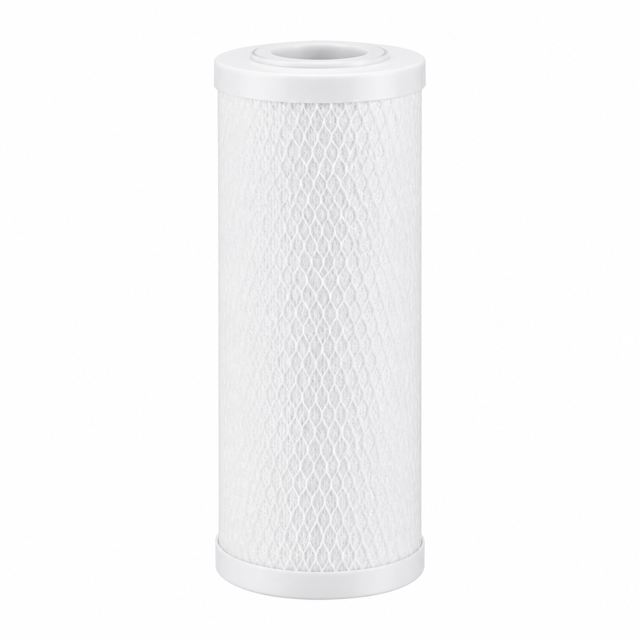 Water filter
Keep personal lists on your device, share only when it helps, and make the next useful action obvious.
Personal lists, items, categories, and photos remain on your device. A photo you select for AI analysis is sent transiently and is not retained.
Invite a registered family member and keep items, status, photos, and edits in sync for that list.
Take a receipt photo or choose a receipt or order screenshot from your library. Select the items you want and review them before saving.
Choose your reminder lead time and get a local notification before an active item reaches its date.
Use separate lists for home, pantry, supplies, or another place without mixing their categories or history.
Use In Time keeps capture quick and leaves the final decision with you.
Photograph a single item or enter it manually. For a receipt or order screenshot, preview the image before starting recognition.
For imports, review each item's quantity and expiry date, fill in any missing values, then save the items you selected.
Keep the list private, or invite family so everyone sees the latest shared record.
AI covers
Use In Time lifts the subject from your original photo onto a clean white square, so every list reads like a tidy shelf. The original photo is always kept for regenerating.
Each generation uses 2 credits
Privacy by design
Use In Time separates personal records from shared records instead of uploading everything by default.
The free plan covers the core habit. Use In Time Plus adds multi-list organization and new sharing.
Free
For keeping one personal list current.
Monthly or yearly · App Store pricing
Purchase in the iOS app. Eligible users see a 14-day introductory trial before confirming.
The important details about storage, sharing, AI, and plans.
Private lists stay on your device. A photo you select for AI analysis is sent transiently but is not retained. Sharing separately uploads the list you explicitly choose.
The owner and members can add, update, complete, waste, and remove item records. The owner manages invitations and members.
No. AI suggestions are reviewed before saving, and it can only select a category you already created.
Your existing lists and shared data remain accessible. Creating additional lists and sending new invitations requires an active Plus entitlement.
Use In Time is available only as an iOS app. This website explains the product and leads you to its App Store download; it does not provide browser-based inventory management.